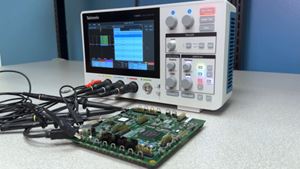
Zoom makes it easier to spot small details by giving you a closer look at specific parts of your signal.
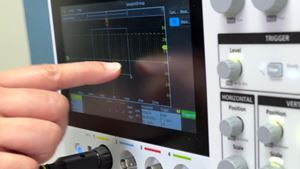
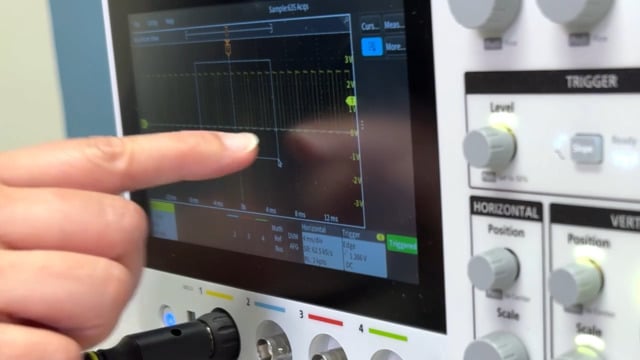
To begin, tap the on-screen Zoom icon in the upper-right corner. If you do not see the button, try pressing the three vertical dots to open the sidebar.
While the Zoom button is highlighted, you can drag a box over the waveform to create a new view. The oscilloscope displays the original Waveform View on top with a Zoomed view on the bottom. You can adjust the zoomed area by dragging the region rectangle in the top view, using the Horzi Zoom and Vert Zoom controls in the middle, or tapping the Zoom Value boxes and turning the multipurpose knobs.
To return to the normal view, tap the zoom icon in the upper right of the top waveform display.
Duration 43s