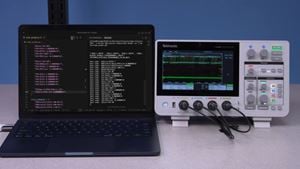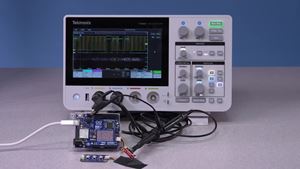
Limit testing uses a Mask to compare a waveform against a known golden standard. It is also a form of pass/fail testing.
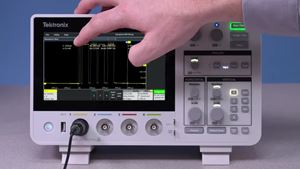
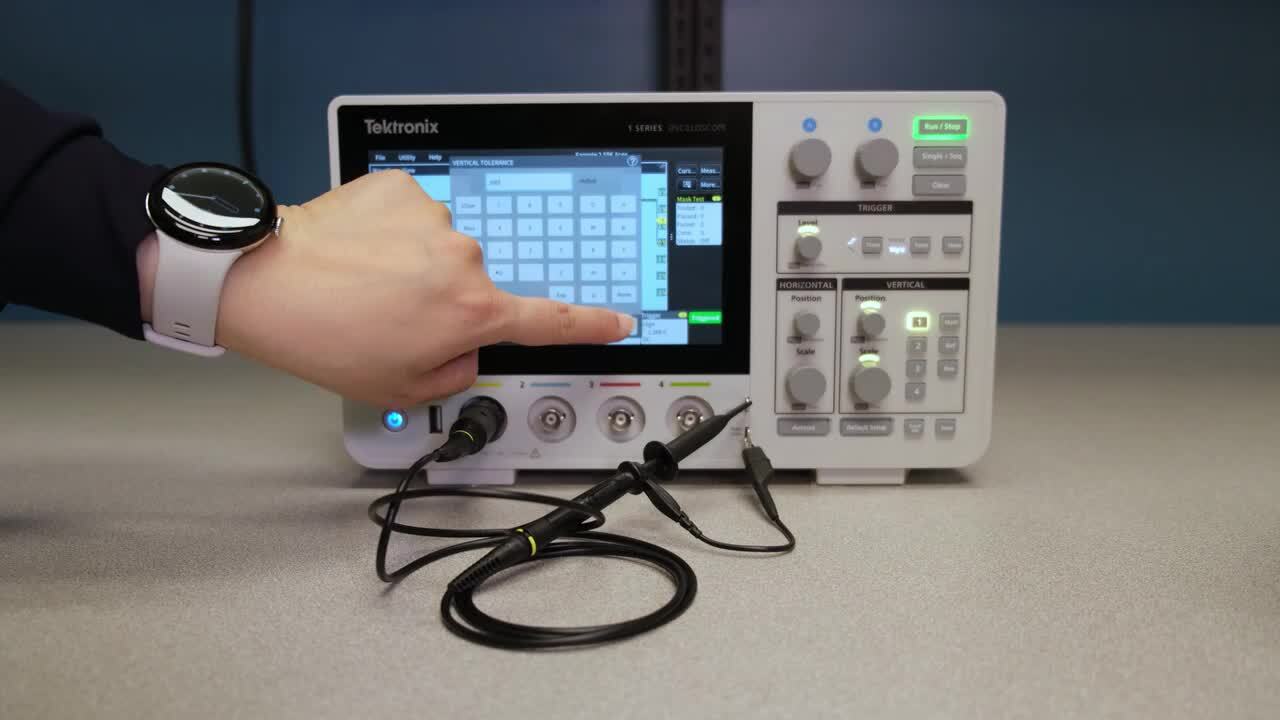
To begin, press the on-screen More... button in the upper-right. If you do not see the button, try tapping the three vertical dots to open the sidebar. Then tap Mask.
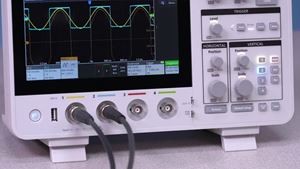
The oscilloscope draws an initial mask around Channel 1. Double tap the Mask Test badge to open the Mask menu, where you can select a source, adjust the limits, choose how many waveforms to test, and set how many failures are allowed.
Once the test is running, the oscilloscope checks each signal acquisition against the mask. If the waveform moves outside the allowed area, the test will fail.
Duration 1m 9s