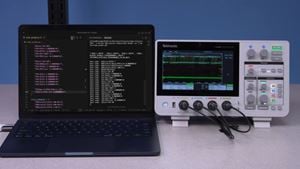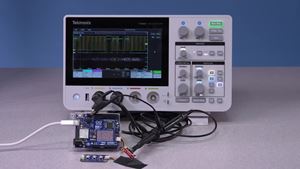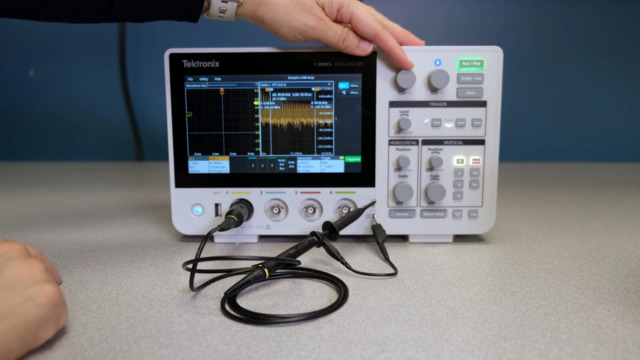
FFT, or Fast Fourier Transform, allows you to see the frequency components that make up your signal. This is important for identifying noise, harmonics, and overall signal behavior that may not be obvious in the traditional time-domain view.
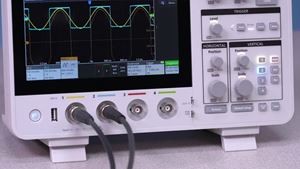
To use FFT, start by adjusting the time scale so multiple cycles of the signal are visible. Next, press the Math/Ref/Bus button, select a Math function, and select FFT. The oscilloscope will display the signal's frequency spectrum.
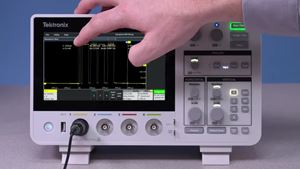
You can double-tap the FFT display to adjust settings, such as scale, to improve visibility. Cursors can show you the frequency and magnitude of specific peaks.
Duration 1m 13s