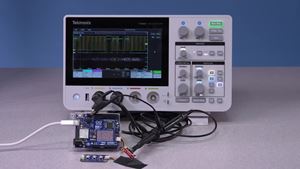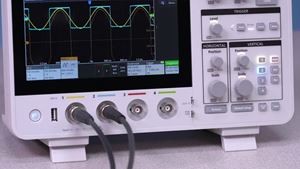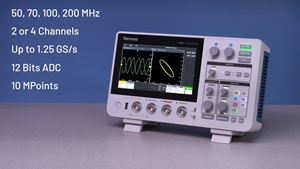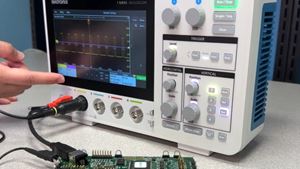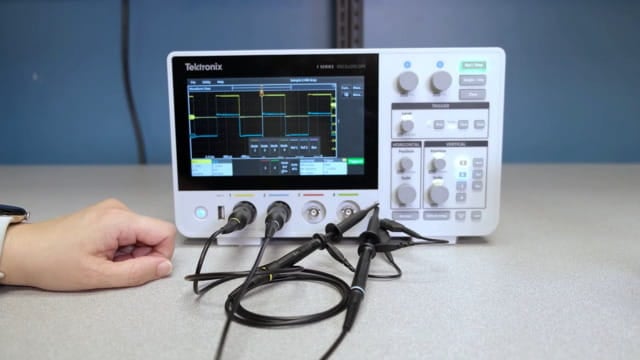
Math functions allow you to combine and compare signals, making it easier to understand how waveforms interact and to perform quick analysis directly on the screen.
To use math functions, press the on-screen Math/Ref/Bus button and select a Math waveform. From there, select Source 1 and 2 with an operation, such as adding. You can adjust their scale by double-tapping the Math badge or by selecting the Math badge and using the Vertical knob (its LED will match the waveform). This process works for both basic and more advanced math functions, helping you analyze signals more effectively.
Длительность 57s