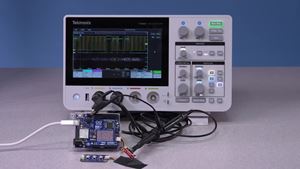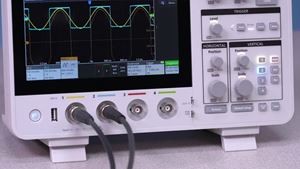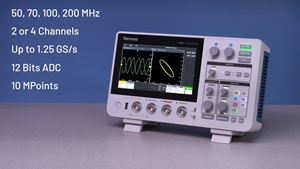
Automatic measurements help you quickly obtain accurate results without manual calculations.
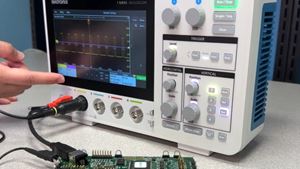
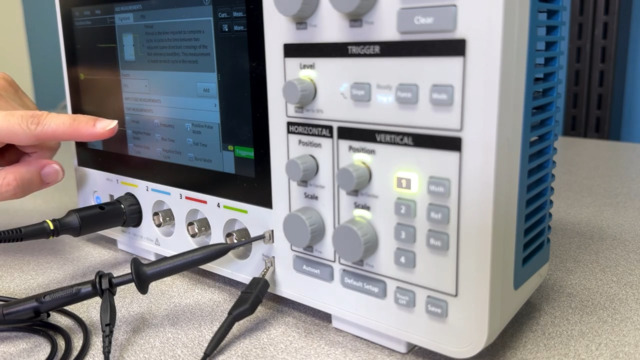
To begin, press the Meas... button in the upper right corner of the screen. If you do not see the button, try pressing the three vertical dots to open the sidebar.
In the Measurements menu, choose from a variety of amplitude and time-based measurements. Make sure the Source is set to an active Channel (or Math). To add, tap the measurement name, then tap the Add button. You can also double tap the measurement name.
You can analyze signals with multiple measurements simultaneously, across multiple channels, and on math and reference waveforms.
Длительность 1m 5s