|
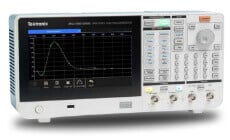
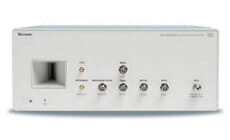
3. Creating the Data PatternThe most practical model of the data pattern emulates the write-current, since this represents a physical signal in the write-read process. The write-current binary pattern has the fundamental period of the bit interval T and is the final pattern after any coding algorithms (e.g., 2,7 RLL). For our example we will use a 62-bit write-current pattern represented by the sequence, "1101100... (48 other bits) ...1010011." You can directly enter this NRZ binary pattern using the AWG 2041's pattern editor (Figure 4). If you have the binary pattern before coding, then you can use the AWG 2041 editor's built-in code converter, which provides common translations such as MFM and 2,7 RLL. You can also define your own conversion table to implement other translations. |
|||||||||
![]()
Figure 4. The pattern editor enables direct entry of binary data patterns. Once you have the write-current pattern, you need to scale the signal to match the target bit-interval. For a bit-interval of T=20 ns, each pattern bit represents 20 ns. If we use the AWG's 1 GS/s clock rate, with which each data point represents 1 ns, then each pattern bit must be expanded to occupy 20 data points in the AWG memory. You use the horizontal scaling function in the AWG to expand the 62-bit pattern into a 1240-point record with each original point simply repeated 20 times. The final 1240-point write-current pattern can be displayed graphically, or we could generate this pattern as an AWG output signal (Figure 5). ![]()
Figure 5. Graphical view of the 62-bit write-current data pattern. Each bit interval is 20 ns long. If the AWG clock rate is set to 1 ns per point, each data bit occupies 20 memory points. The physical write-current waveform is actually a symmetrical bipolar signal, but we are interested only in the locations of the transitions. |
|